Installation & Setup Laravel
Prepare your local environment before running the Meta Panel Dashboard.
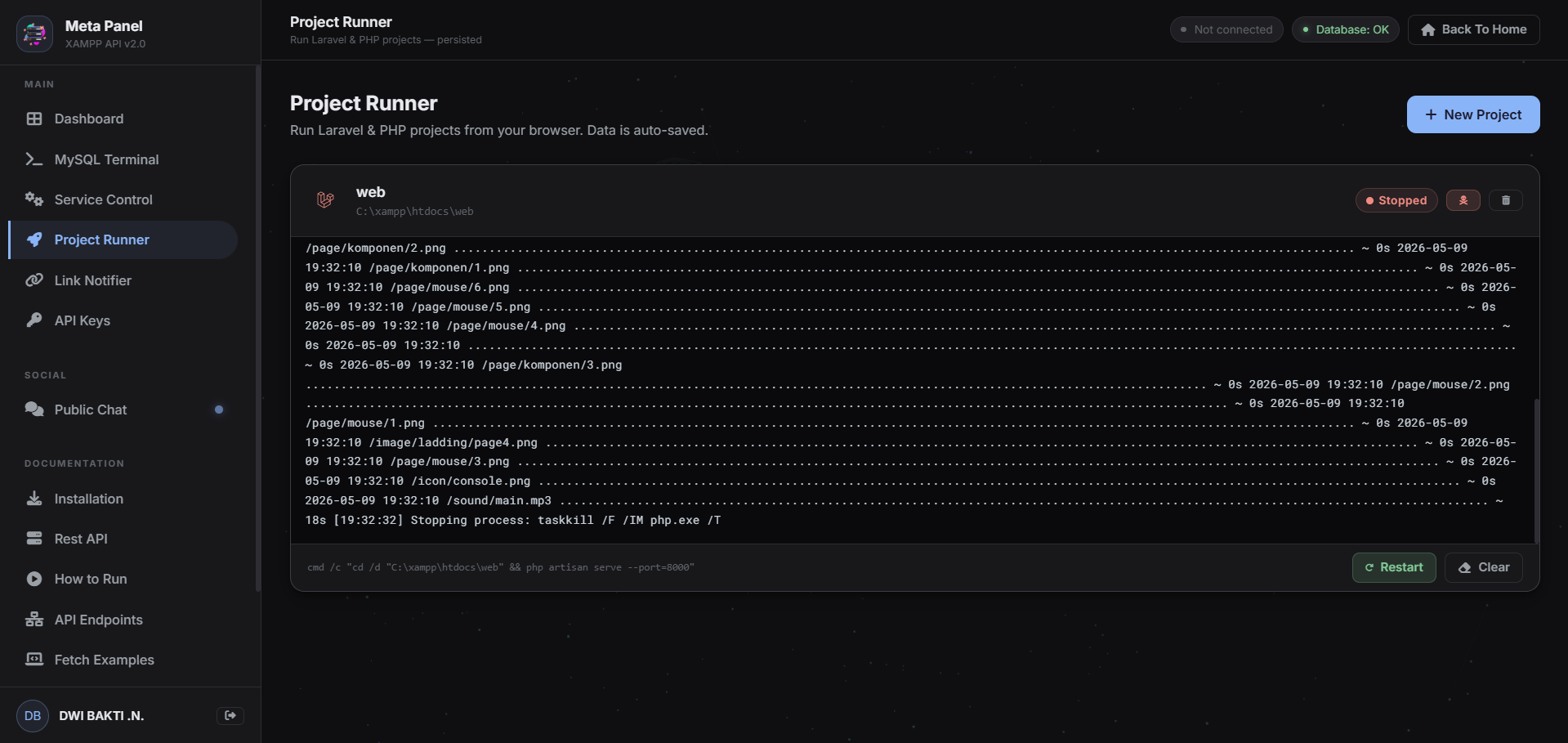
Install XAMPP
Download XAMPP from Apache Friends. Ensure Apache and MariaDB are installed.
C:\xampp. Adjust the path in web.js if yours is different.
Create Project & web.js
Create a folder (e.g., C:\meta-panel), create a file named web.js inside it, and copy the source code
below.
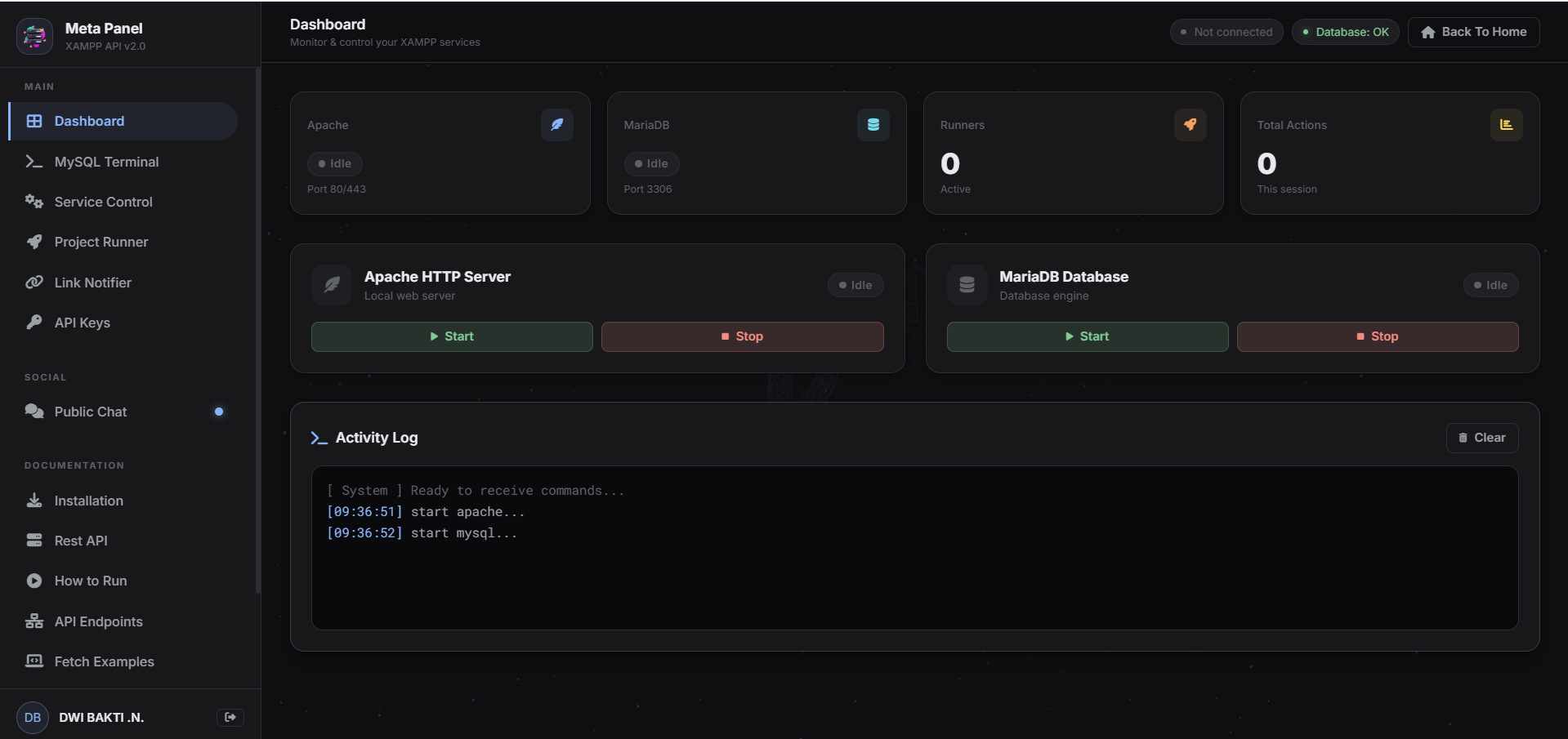
web.js Source Code
Copy this entire code into your web.js file.
XAMPP_PATH to match your XAMPP installation
directory.const { exec } = require('child_process'); const http = require('http'); const XAMPP_PATH = 'C:\\xampp'; const runBg = (cmd, msg) => { exec(`cmd /c "${cmd}"`, (err) => { if (err) console.error(`[ERROR] ${err.message}`); else console.log(`[OK] ${msg}`); }); }; const execStart = (cmd, msg, res) => { exec(`cmd /c "${cmd}"`, (err) => { if (err) res.end(JSON.stringify({ success: false, message: err.message })); else res.end(JSON.stringify({ success: true, message: msg })); }); }; const execStop = (cmd, msg, res) => { exec(cmd, () => res.end(JSON.stringify({ success: true, message: msg }))); }; const execStream = (cmd, res) => { const child = exec(cmd, { maxBuffer: 50*1024*1024 }); res.setHeader('Content-Type', 'text/plain; charset=utf-8'); res.setHeader('Transfer-Encoding', 'chunked'); child.stdout.on('data', (d) => res.write(d)); child.stderr.on('data', (d) => res.write(d)); child.on('close', () => res.end()); child.on('error', (e) => { res.write('Error: '+e.message); res.end(); }); return child; }; const server = http.createServer((req, res) => { res.setHeader('Access-Control-Allow-Origin', '*'); res.setHeader('Access-Control-Allow-Headers', '*'); if (req.method === 'OPTIONS') { res.writeHead(200); res.end(); return; } const url = req.url; if (url === '/api/start-apache') execStart(`${XAMPP_PATH}\\apache_start.bat`, 'Apache Started', res); else if (url === '/api/stop-apache') execStop('taskkill /F /IM httpd.exe /T', 'Apache Force Stopped', res); else if (url === '/api/start-mysql') execStart(`${XAMPP_PATH}\\mysql_start.bat`, 'MySQL Started', res); else if (url === '/api/stop-mysql') execStop('taskkill /F /IM mysqld.exe /T', 'MySQL Force Stopped', res); else if (url.startsWith('/api/mysql-query?')) { let q = decodeURIComponent(url.split('query=')[1]); const blocked = 'GRANT,REVOKE,SHUTDOWN,LOAD_FILE,INTO OUTFILE'.split(','); if (blocked.some(b => q.toUpperCase().includes(b.trim()))) { res.end(JSON.stringify({success:false,message:'Command blocked.'})); return; } exec(`"${XAMPP_PATH}\\mysql\\bin\\mysql.exe" -u root -e "${q.replace(/"/g, '\\"')}"`, {maxBuffer:10*1024*1024}, (err,stdout,stderr) => { if (err && !stdout) res.end(JSON.stringify({success:false,message:stderr||err.message})); else res.end(JSON.stringify({success:true,result:(stdout||'').trim()})); }); } else if (url.startsWith('/api/run-stream?')) { let params = new URL(`http://localhost${url}`).searchParams; let cmd = params.get('cmd'); if (cmd) execStream(cmd, res); else res.end(JSON.stringify({error:'Missing cmd'})); } else if (url.startsWith('/api/run?')) { let params = new URL(`http://localhost${url}`).searchParams; let cmd = params.get('cmd'); if (cmd) exec(cmd,{maxBuffer:50*1024*1024,timeout:30000},(err,stdout,stderr)=>{ res.end(JSON.stringify({success:!err,result:(stdout||'').trim(),error:stderr||''})); }); else res.end(JSON.stringify({error:'Missing cmd'})); } else if (url.startsWith('/api/kill-stream?')) { let params = new URL(`http://localhost${url}`).searchParams; let pid = params.get('pid'); if (pid) exec(`taskkill /F /PID ${pid} /T`,()=>res.end(JSON.stringify({success:true}))); else res.end(JSON.stringify({error:'Missing pid'})); } else res.end(JSON.stringify({error:'Endpoint not found'})); }); server.listen(8080, () => { console.log(`Meta Panel API on http://localhost:8080`); runBg(`${XAMPP_PATH}\\apache_start.bat`, 'Apache started'); runBg(`${XAMPP_PATH}\\mysql_start.bat`, 'MariaDB started'); }); process.on('SIGINT', () => { exec('taskkill /F /IM httpd.exe /T', () => exec('taskkill /F /IM mysqld.exe /T', () => process.exit(0))); });
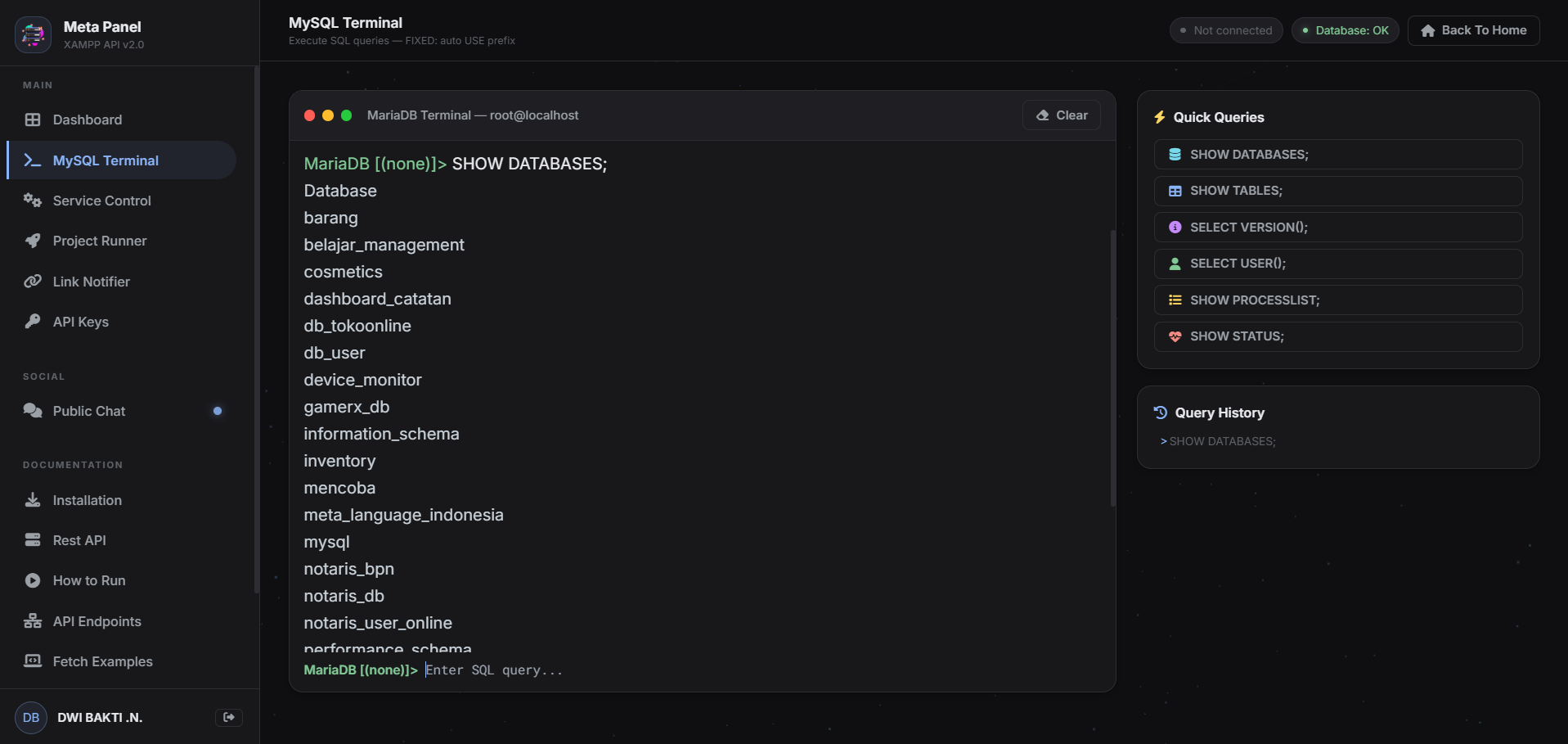
How to Run
Operational guide to start your local API.
Starting the Server
Open CMD/PowerShell, navigate to your folder:
node web.js
Stopping the Server
Press Ctrl + C in the terminal. Do not close using the X button to ensure processes are killed properly.
API Endpoints Reference
Base URL: http://localhost:8080
| Method | Endpoint | Description |
|---|---|---|
| GET | /api/start-apache | Start Apache HTTP Server |
| GET | /api/stop-apache | Force Stop Apache |
| GET | /api/start-mysql | Start MariaDB Database |
| GET | /api/stop-mysql | Force Stop MariaDB |
| GET | /api/mysql-query?query=... | Execute SQL Query |
| STREAM | /api/run-stream?cmd=... | Streaming command execution (Laravel/PHP) |
| GET | /api/run?cmd=... | Execute command (JSON response) |
| GET | /api/kill-stream?pid=... | Kill a running streaming process |
Fetch Implementation
How to integrate the API into your frontend.
async function control(endpoint) {
  const r = await fetch(`http://localhost:8080${endpoint}`);
  const d = await r.json();
  console.log(d.success ? d.message : 'Error: '+d.message);
}

async function query(sql, dbName) {
  let fullSql = dbName ? `USE \`${dbName}\`; ${sql}` : sql;
  const r = await fetch(`http://localhost:8080/api/mysql-query?query=${encodeURIComponent(fullSql)}`);
  const d = await r.json();
  if (d.success) console.log(d.result);
  else console.error(d.message);
}

async function runStream(cmd) {
  const r = await fetch(`http://localhost:8080/api/run-stream?cmd=${encodeURIComponent(cmd)}`);
  const reader = r.body.getReader();
  const decoder = new TextDecoder();
  while (true) {
    const {done, value} = await reader.read();
    if (done) break;
    process.stdout.write(decoder.decode(value));
  }
}
API Key Security
Secure your local API so only your dashboard can execute commands.
Implementation in web.js
const VALID_API_KEYS = new Set([
  'your-secret-key-here'
]);

// Inside createServer callback:
const reqKey = req.headers['x-api-key'];
if (!VALID_API_KEYS.has(reqKey)) {
  res.writeHead(401, {'Content-Type': 'application/json'});
  res.end(JSON.stringify({error:'Invalid API key'}));
  return;
}
X-API-Key header generated from the
dashboard.Troubleshooting
Common issues and their solutions.
ERR_CONNECTION_REFUSED
Make sure node web.js is running in a terminal window.
"No database selected"
Type use database_name in the MySQL terminal. The
latest version auto-prefixes USE queries.
Port 8080 Already in Use
Change const PORT = 8080 to another port in web.js.
API Key 401 Unauthorized
Make sure the API key in web.js matches the one on the API Keys page. Keys are case-sensitive.
Video Walkthrough
Watch the complete setup and feature demonstration.
Full Setup Tutorial
Click to Play
Community Comments
Share your thoughts, ask questions, or report issues.
Login to Comment
Please login with your Google account to join the discussion.
All Comments
Loading comments...
Write a Comment